


Quick Start Guide For Developers
Sign in, discover products, subscribe to a plan, obtain credentials and get support when needed.
This guide helps you go from first login to your first successful API call on Michelin’s Developer Portal. You will learn how to sign in, discover products, subscribe to a plan, obtain credentials and get support when needed.
Note: Some API products are for authenticated users or internal users only. Sign in to unlock the full catalog, richer Knowledge Base content, and enhanced search.
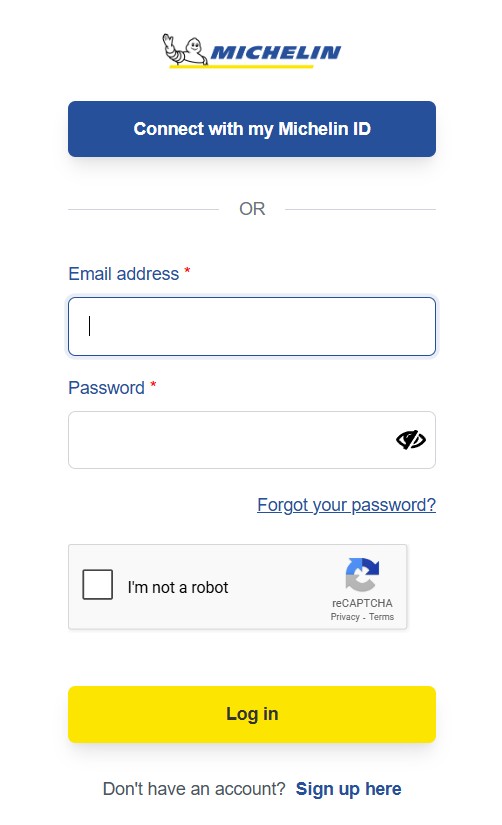
Sign in and set up your account
Michelin user
Use the MichelinID to connect to the API Portal.
Optional for publishers: If you plan to publish later, you can request the CREATOR role from your user profile.
External user
Select Sign up to create your account, then confirm the registration via the verification email.
After confirmation, sign in to the Portal.
Discover API products
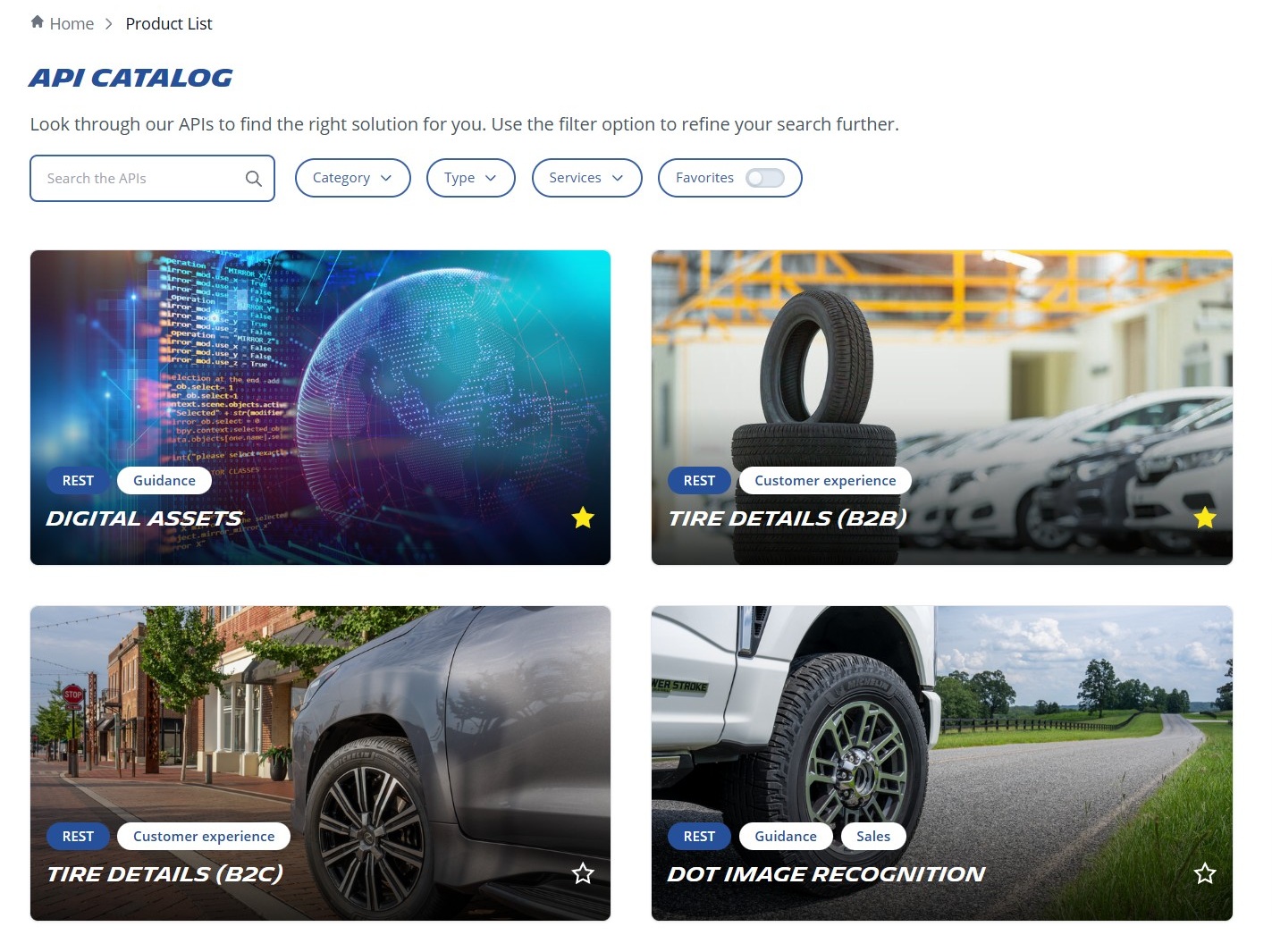
Browse the catalog: Go to Products and use filters (type: REST or Async/Kafka), service and keyword search.
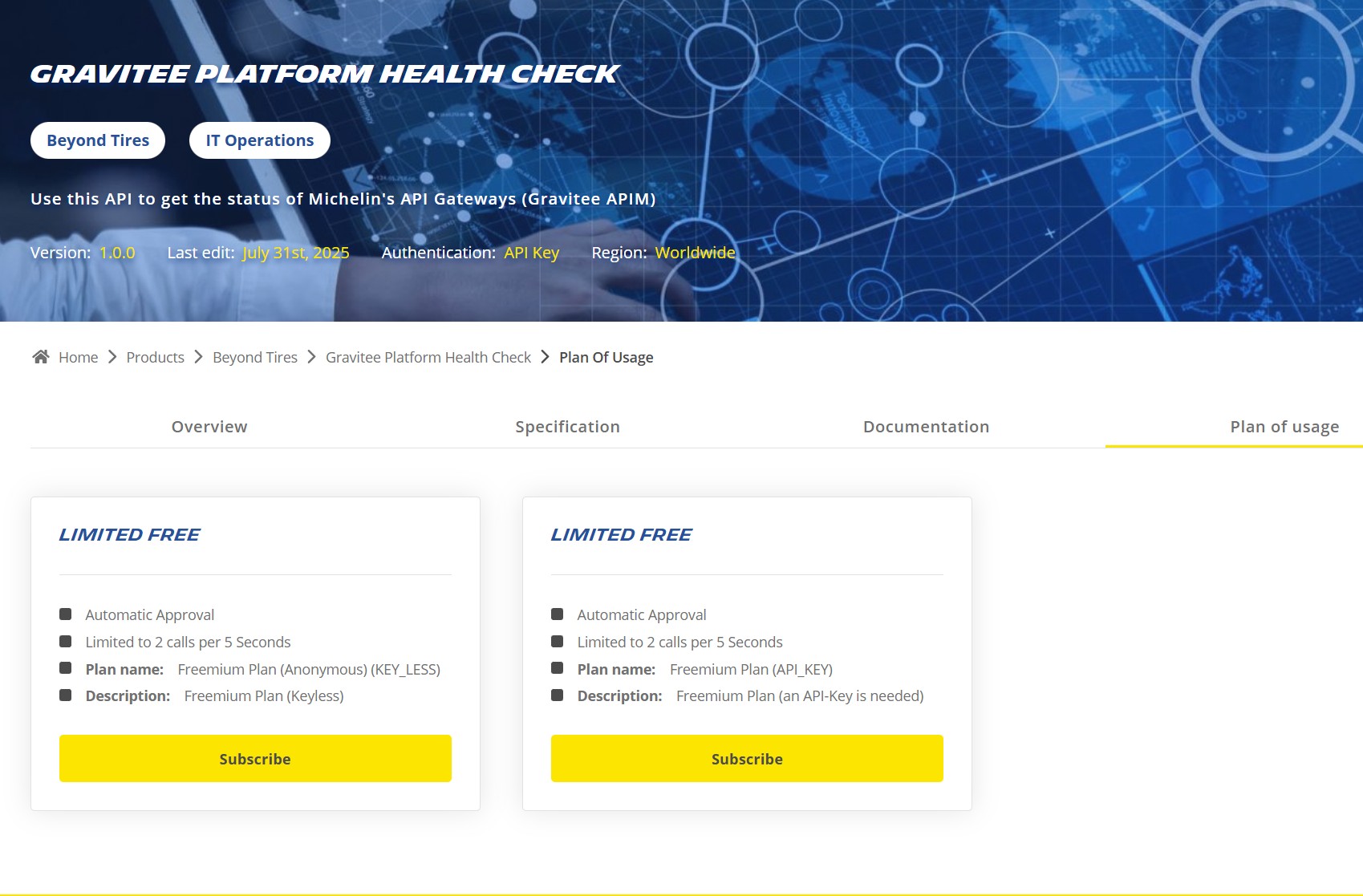
Open a product card: Each card links to a dedicated product page with Overview, Specification, Documentation, and Plan of Usage.
Review the product page:
- Overview: Business context, key features, and links.
- Specification: OpenAPI/AsyncAPI details, payload examples.
- Documentation: Authentication method (API key, Basic Auth, OAuth 2.0), reference endpoints, error codes, examples.
Plan of Usage: Available plans (Trial, Limited Free, Unlimited Free, Paid, Request to Subscribe), approval type, environments, and quotas.
Choose a plan and subscribe
Select a plan that fits your use case:
- Trial: Time‑boxed evaluation (often mock or non‑prod data).
- Limited Free: Quota‑based free tier.
- Unlimited Free: Extensive access subject to fair‑use (typically internal).
- Paid: Premium access; invoicing handled outside the Portal.
- Request to Subscribe: Manual approval for specialized needs.
Click "Get Access"/"Request to subscribe" on the chosen plan.
Associate to an app:
- Use an existing app, or
- Create a new app (name, description, callback URL if needed, team/owner).
Approval workflow:
- Automated approval: Credentials are issued immediately.
- Approval required: You will be notified once approved.
You can track status (Pending/Approved) in My Account > My Apps.
Get credentials and environments
Credentials depend on the product:
- API key
- Basic Auth (legacy/internal)
- OAuth 2.0 (recommended for partner/external use)
Environment access is defined by the plan:
- Mocked data (for safe testing)
- Non‑production (staging/sandbox, often anonymized)
- Production (live, strictly controlled)
Important: Portal‑issued credentials enable connectivity to the API gateway. Some products may require additional service‑level credentials provisioned by the API producer.
Test your first call
Confirm the authentication method from the product Documentation.
Use the provided examples or follow our KB.
Guidelines to generate OAuth Access Token
Guidelines to generate OAuth Access Token
Make your first call
Make your first call
Manage your apps and subscriptions
My Account > My Apps: View apps, credentials, and subscription status.
My Account > My Products: Review products, plans and status.
Best practices for a smooth start
- Read the product Overview before subscribing to ensure functional fit.
- Check authentication requirements early (API key, Basic Auth, OAuth).
- Verify environment (mock, non‑prod, prod) and quotas before testing.
- Respect fair‑use policies, rate limits, and Michelin security guidelines.
- Monitor release notes and enable notifications for changes.
Compliance reminder: When handling credentials or any sensitive or regulated data, follow Michelin standards for secure processing, storage, and access control.
Support and community
Do you require assistance in selecting a plan or troubleshooting? You can find answers in our Knowledge Base by exploring dedicated articles or by contacting us for further support.

Email

Teams (internal access)
Tag @ApiPortal in “Your Questions” channel in our OneSystem - Integration Experience Teams channel